The official currency in Thailand is the Thai baht (THB). The symbol for Thai Bhat is ฿. Cash is used quite regularly in the Kingdom of Thailand, but they are modernizing and digitizing quickly. You’ll see QR codes and digital payment options all over the place.
When I first learned that Thailand had made significant progress towards digital payment systems I felt a bit of relief. When we went to China in 2017 for foreigners, pretty much everything outside of hotels and higher end restaurants, you needed cash because they didn’t accept foreign credit cards. In post COVID China just about everything is digital, and foreigners can use it too. In China they use Wechat Pay and AliPay. Those were so convenient for us there that I was picturing a similar situation in Thailand. After finding a particularly helpful facebook post from a fellow traveler we learned that the Tag Thai app in partnership with KBank provided digital payment for foreigners.
We setup the app before arriving but the first disappointment was clear. You can’t link TagThai to a credit card the way you can with Alipay, you have to load it with cash. It’s basically a pre-paid account. I believe that the cash has to be foreign currency, too. Not the end of the world, since we came to Thailand from the US and could easily grab a few hundred USD to load onto the app. Since we were going to be here for almost two months I had no intention of carrying that much cash. So we just loaded a couple of hundred worth of US dollars so that we could pay like locals.
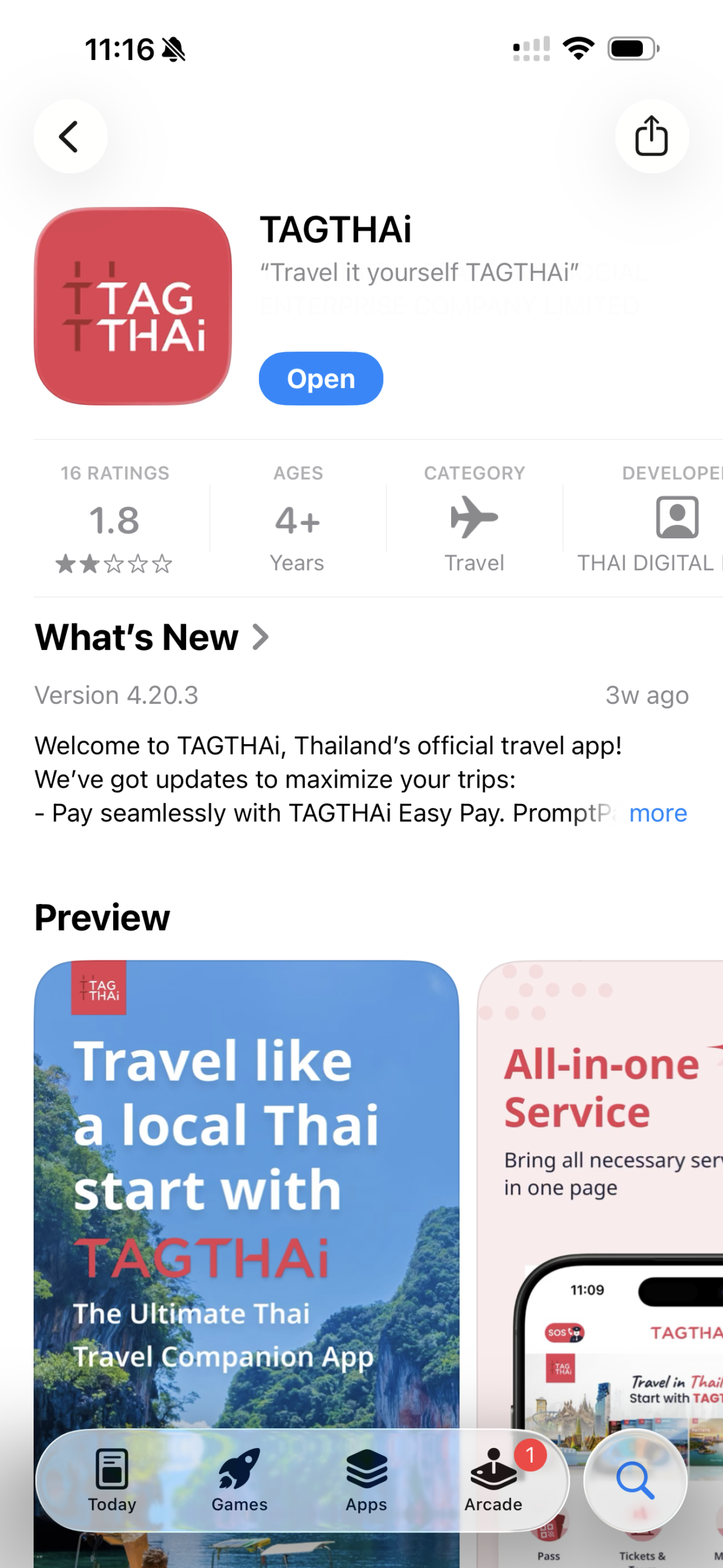
Tag Thai
I’ll start by saying that the system does work. We loaded money at a KBank kiosk at the airport. The first kiosk that we saw was before we’d even gone through customs which was kind of handy. I’ll also start by saying that my experience with Tag Thai is specifically as a digital wallet. I didn’t try any of the travel services. Also, they give you a physical debit card which I have yet to use, but I will need it to empty the account.
The process of loading money is kind of involved. It took what felt like an eternity to get our accounts fully setup and funded which surely frustrated the folks behind us who were mostly just trying to convert their Dollars, Euros and the like into cash.
Once we were setup we had the app with the ability to pay via QR codes, and a physical debit card also tied to the account.
After we entered the country and visited a business I was excited to try out my new payment ability. That excitement quickly faded when I realized how cumbersome and SLOW the process is from Tag Thai.
The Tag Thai app is more than a payment app. I believe that it’s primary function is for booking tourist activities and the payment system is an add on. That means that it takes multiple SLOW taps and a painfully implemented PIN system to authenticate into payment section. Depending on internet speed, the process varies but it feels like it’s taking long, long minutes. And every time I’ve done it there have been multiple popuop ads to bypass. And the worst part is that the touch targets on the number pad that you use for entering your PIN is so small that you have to be extremely mindful and SLOW with keying it in or else it will miss taps. Why it doesn’t just use FaceID or some device level biometric is beyond me.
Once you get to the QR code scanner, things get a little better but you still have a couple of taps left before your payment is done. Sometimes you have to key in the amount of cash to transfer, other times it loads it from the code. After a spinning wait cursor, you then have to tap confirm and wait more. If everything goes correctly the vendor will get a notification of some kind, and you’ll see an electronic receipt on your end. Sometimes the vendors, especially if they are small, may take a picture of your phone too, so don’t leave that screen too quickly.
And oh, quick note… depending on the vendor, if their QR code is a personal account, and not a business one, it doesn’t work at all for foreigners.
After seeing how clumsy TagThai was, I mostly gave up on using it. It’s just too slow. I’ve spent just about all of the money that I’d loaded onto it and I wouldn’t recommend it for other travelers. It’s too tedious to use, and too much of a chore to load it with physical cash.
After being in Thailand for a couple of weeks an Expat who’s been living here for a couple of years turned me on to a much better digital solution. It’s called Moreta Pay and it checks a lot more boxes.
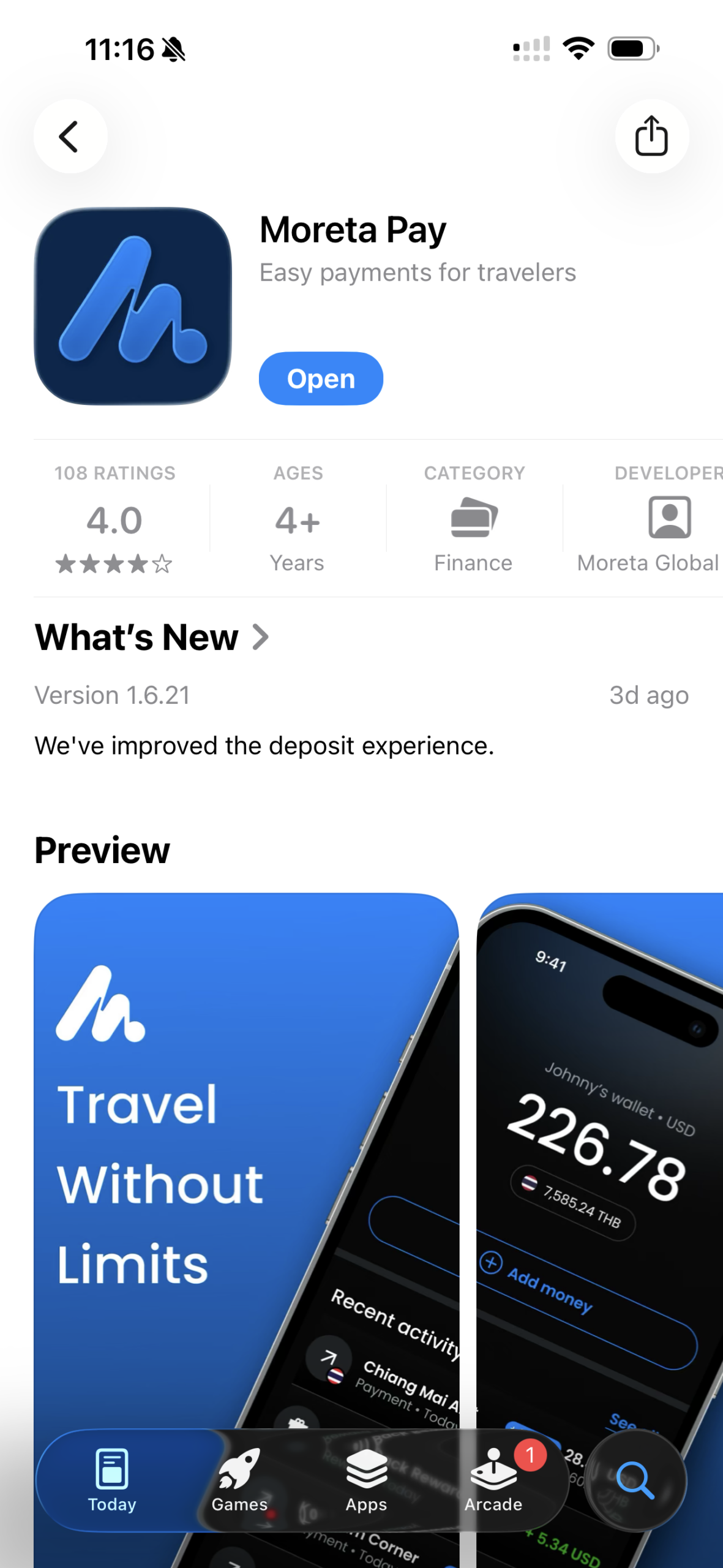
Moreta Pay
Moreta Pay is another electronic payment system but this one works in more countries than Thailand. And not only that, but you can load money onto it directly from a credit card, bank account, Apple Pay and others. No paper currency required. Also, its primary function is for payment so the app flow is very smooth. It uses biometric login (at least on iOS) so Face ID gets you to the QR code scanner with one tap, and you’re there in less than a second.
Whether or not you need a digital payment app in Thailand is a reasonable question. A lot of places do take foreign credit cards here. It’s not like China. I’ve been using a mix of cash, electronic payment and credit card depending on the situation. It is nice to know that if I run low on cash while out, I could use my digital payment as a back up. But ATM’s are readily available and if you are a wise traveler, you should have a debit card that will pay for the fees so you can get cash anywhere. But if you want an electronic wallet in Thailand, use Moreta Pay. Don’t bother using TagThai.
Note: Be aware that there are fees for transferring cash into Moreta Pay. The cheapest way to do it is to connect it to a bank account and do an ACH transfer. I think that if you transfer over $250 that it’s free. Under that and I think the fee was $1. If you transfer money from a credit card there is a 2.5% fee, and your credit card company may treat the transfer like a cash advance which could incur even more fees. It seems that Apple Pay is in flux and was free, but maybe now isn’t? I got an email from Moreta Pay not long after setting it up warning me that it could look like a cash withdrawal if I used Apple Pay to fund it. So while it’s not as convenient as Alipay was in China, since you can’t just have it use your credit card per charge in the background, it is pretty nice. I’m also excited that it works in multiple countries, so for places that we’re only going to be for a short while like Laos and Cambodia, I may not even bother getting cash if I can just use Moreta Pay.
Oh, one last note! If you’re planning to fund Moreta Pay from a bank account, load your money in advance. It takes 3 days for the full amount to transfer to your account. It’s not immediate like it is with credit cards. But the extra effort is worth it to save the fees.